
- Navigate to the Mail App in FunkCloud Workspace.
- Click “Mail settings” in the bottom-left corner.
(see image below)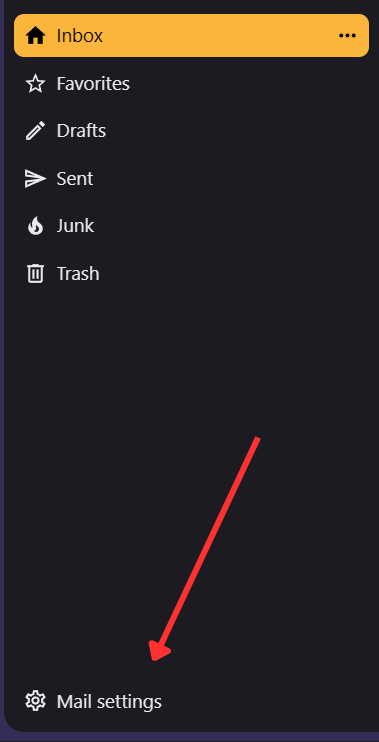
- Under “Account settings”, click the email address you want to add a signature to.
- Enter your signature in the Signature text field.
(see image below)
- Click “Save signature”.